Find low-competition keywords you can actually rank for
See real search volume next to real top-10 competition, measured by the referring domains of the pages already ranking. Then turn the winners into published content.
Works with
- WordPressPublish
- BloggerPublish
- LovableSite prompts
- ChatGPTAI Visibility
- ClaudeAI Visibility
- GeminiAI Visibility
- PerplexityAI Visibility
How it works
- Step 1
Search a seed keyword
Pull related keywords with real monthly search volume.
- Step 2
Spot weak competition
See which keywords have top-10 results with few referring domains.
- Step 3
Generate and publish
Write the article and publish it to WordPress or Blogger.
What you get
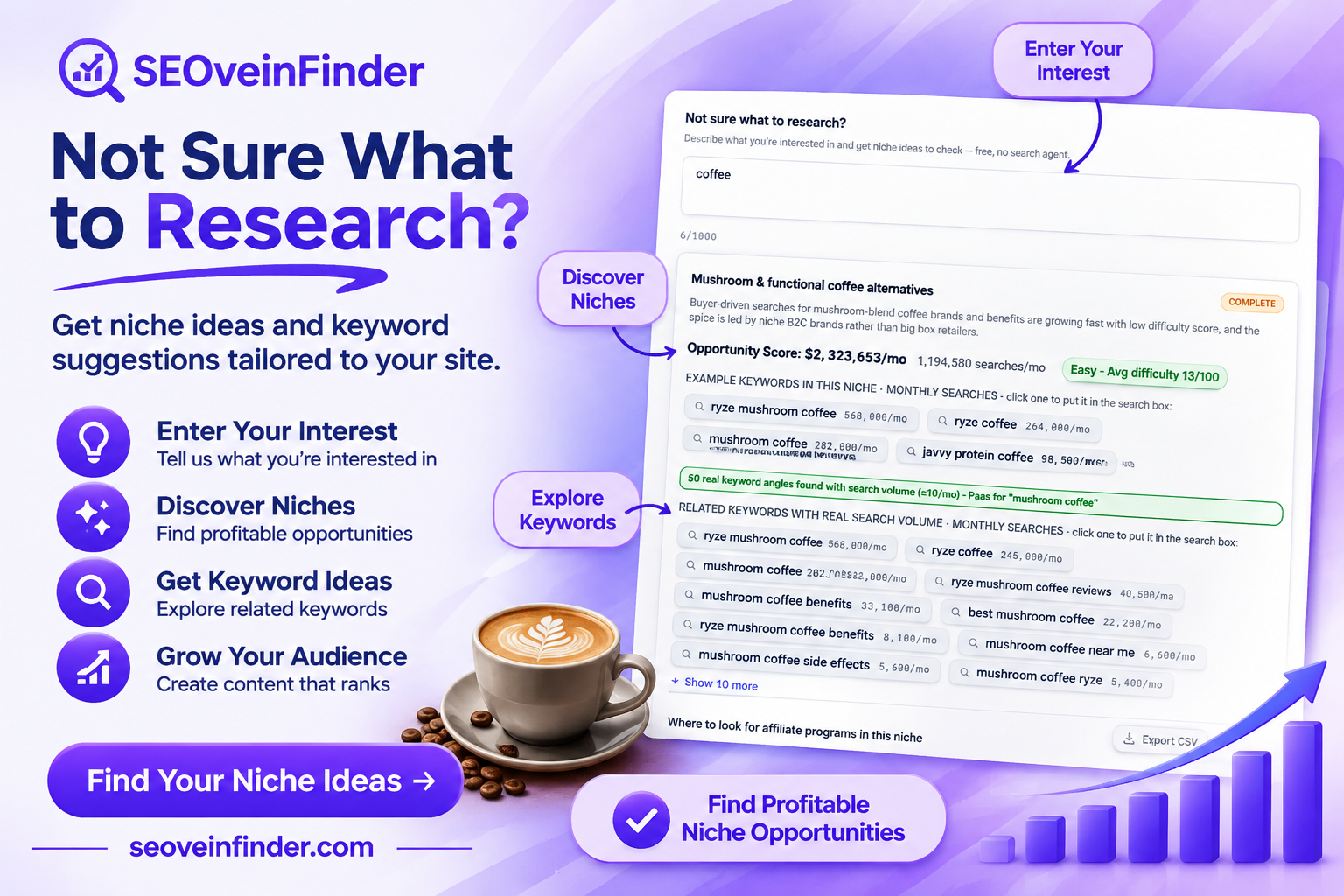
Not sure what to research?
Type in something you're interested in and get up to six niche ideas built from real keyword data, free. Each card shows example keywords with real monthly searches, so you can spot a good niche before you spend anything researching it.
- Click any example keyword to start researching it. One click puts that exact keyword into the keyword search, so you can go from a niche idea to real volume and competition data in seconds.
- See where the affiliate programs are. Every researched niche comes with a list of affiliate programs in that space, with contact info where it's findable, and you can export the whole list to a CSV.
- Real numbers, not guesses. Every suggested keyword carries real monthly search volume, and each niche shows an Opportunity Score plus a color-coded difficulty rating, green for easy, yellow for moderate, red for hard.
- Check demand before you commit. Research this niche verifies the niche against real related-keyword data and tells you plainly whether it passes, then saves the full result so you can come back to it later.
Keyword Discovery
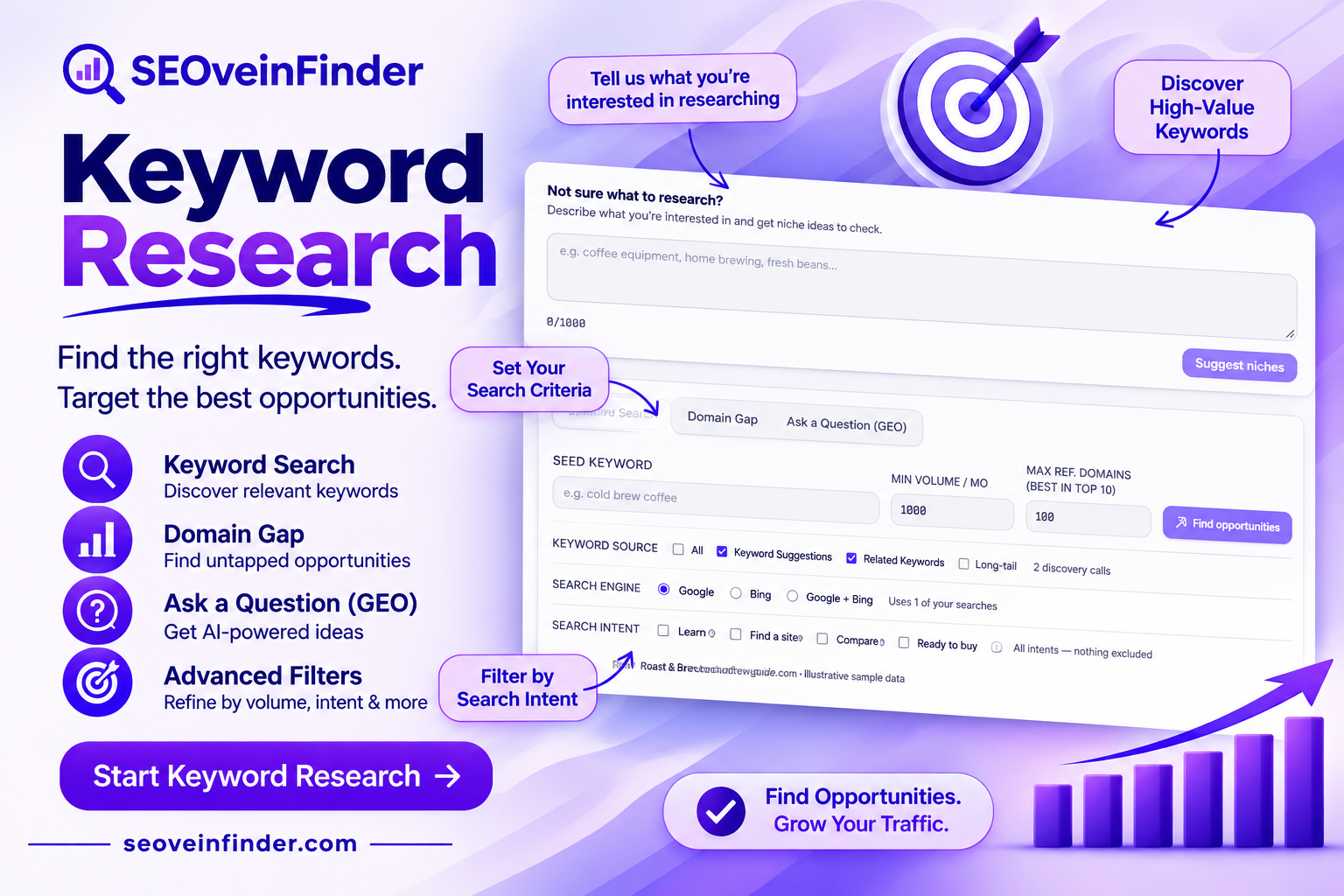
Start from a seed keyword and combine multiple discovery sources, including a long-tail mode.
See how it worksCompetitive Intelligence
Real SERP checks on Google and Bing, with referring-domain counts for the top-ranking pages. Take the URL for the websites with low referring domains, copy it into the Domain Gap and find other keywords that website is ranking for on page 1.
See how it works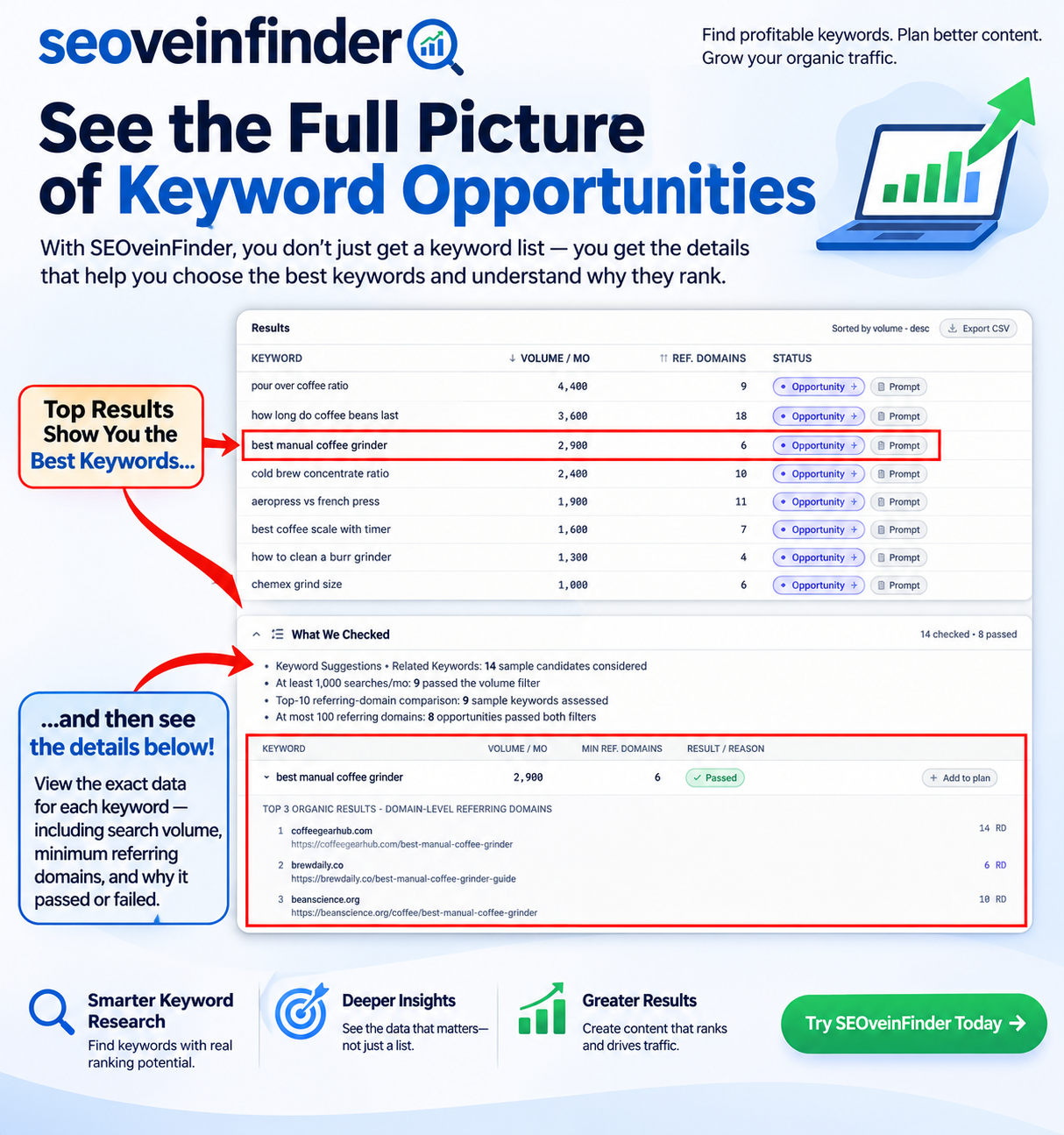
Domain Gap
Find keywords a competitor ranks for on page 1 that you don't, filtered for weak competition.
See how it works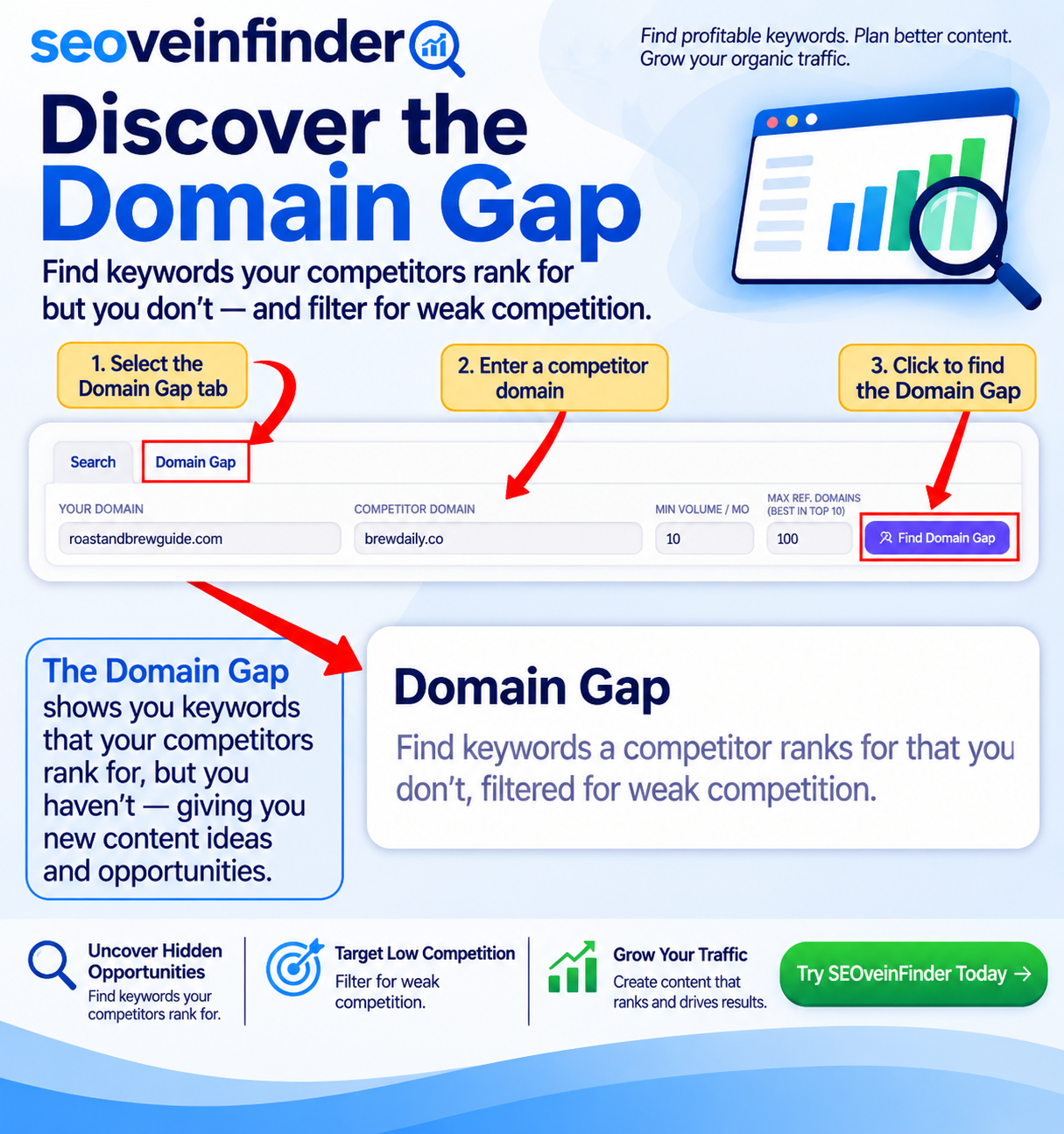
AI Visibility (GEO)
Track whether ChatGPT, Claude, Gemini and Perplexity cite your site, and see if they found your page but cited someone else.
See how it works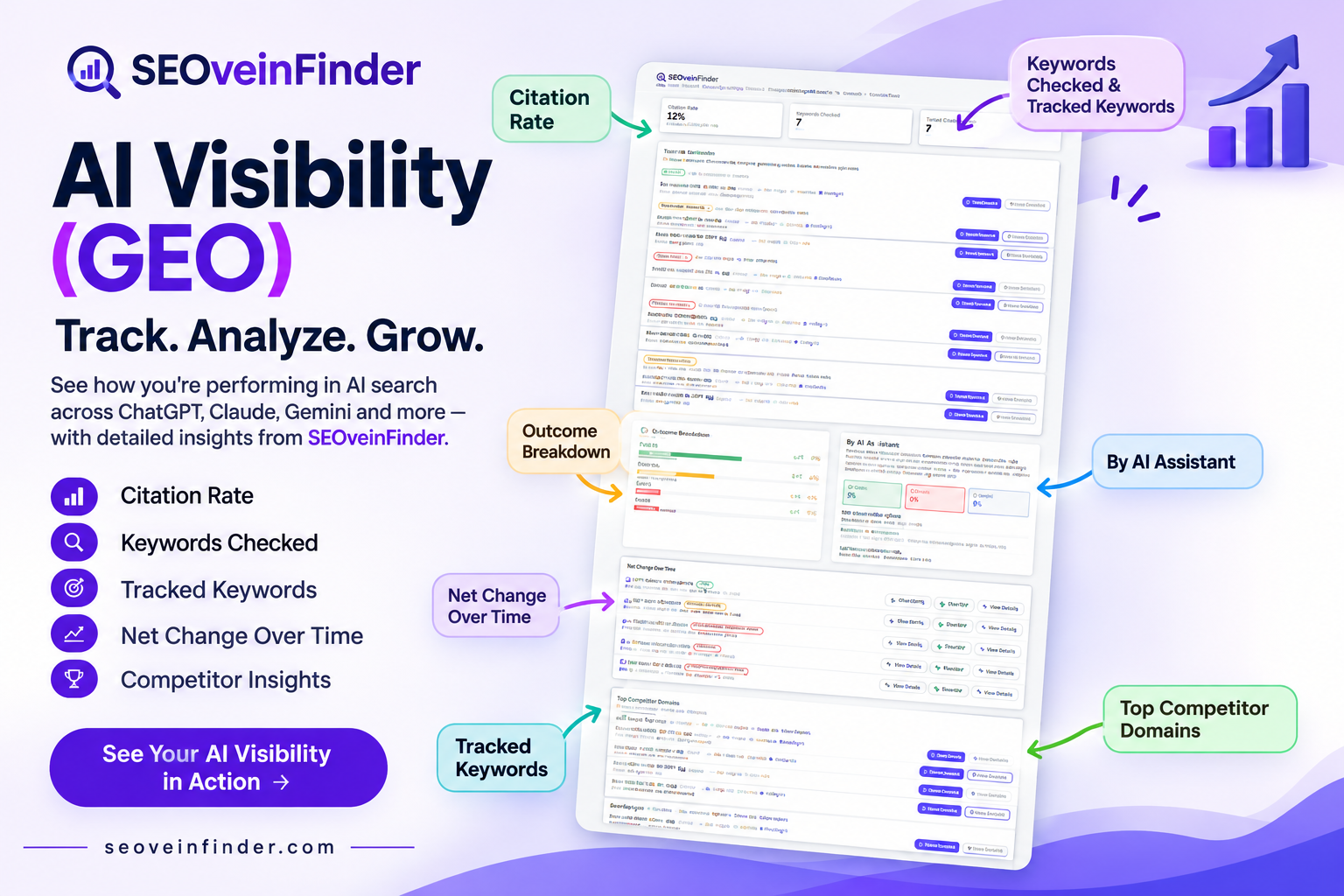
Publishing & Content Plan
Plan your content, then publish to WordPress or Blogger from one place.
See how it works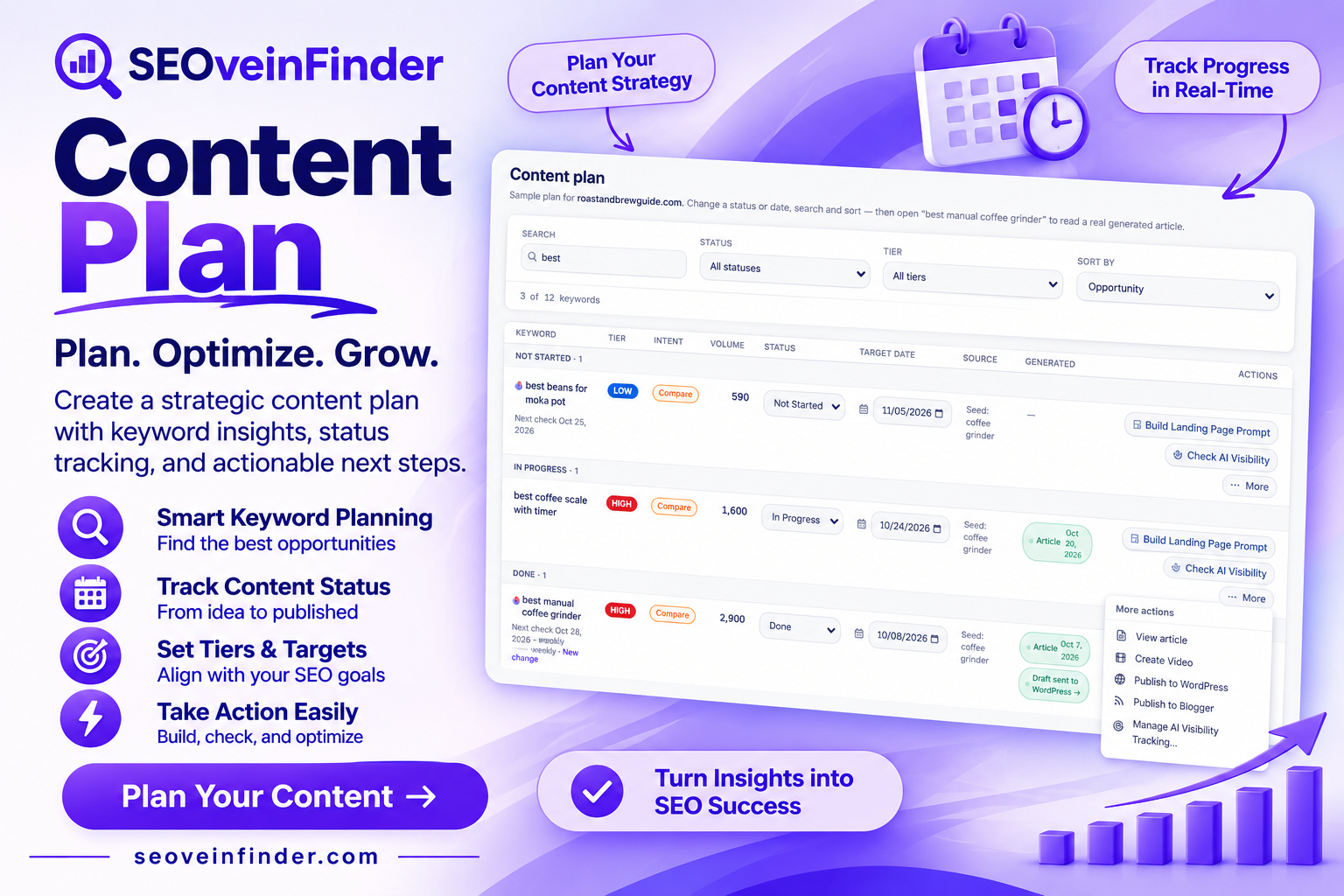
Content Creation
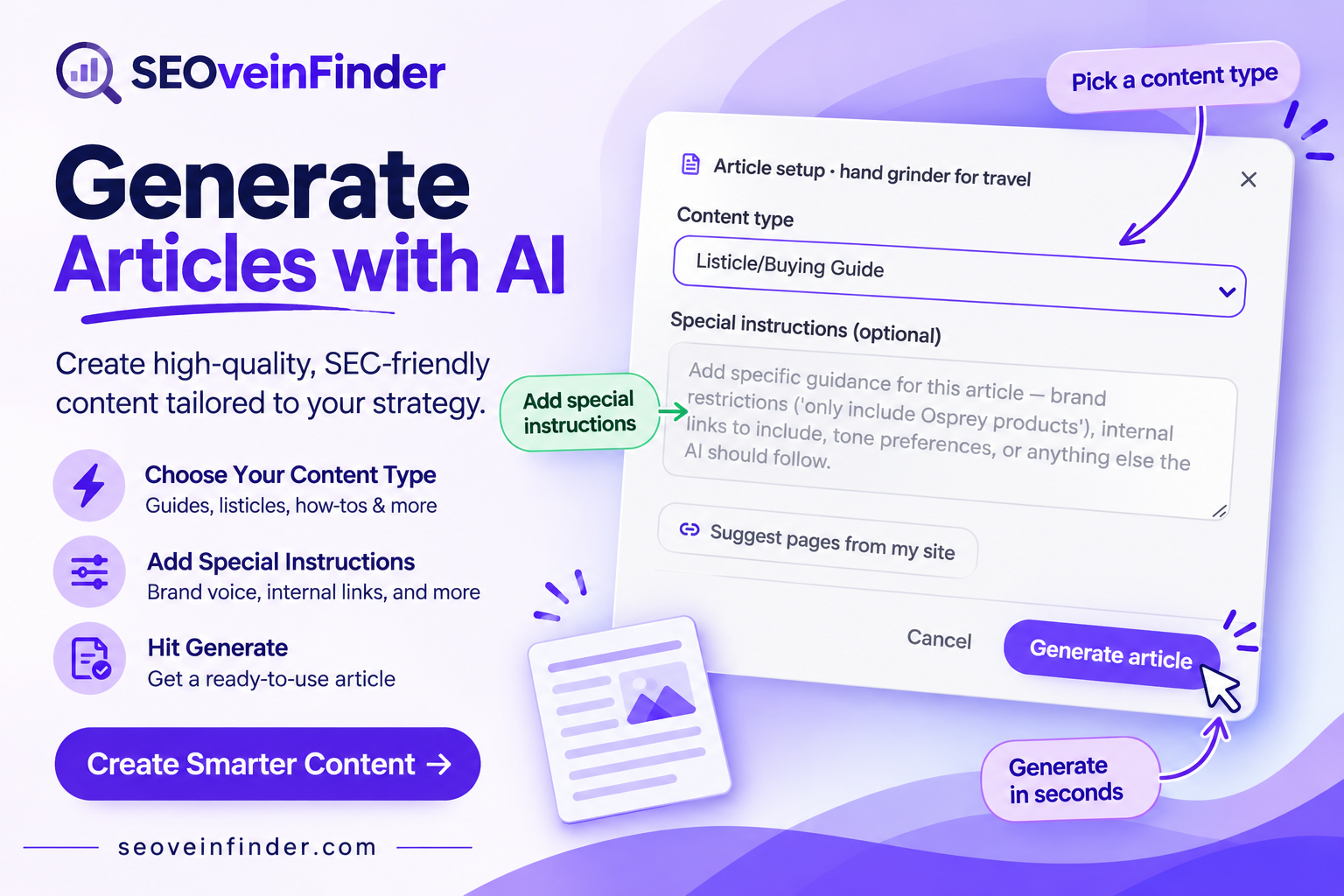
Generate articles and complete video scripts using your own AI key.
Smart article generation, not just a word count
- Matches the length that actually ranks. Word count is calibrated to the #1 result for that keyword, not a fixed number pulled from nowhere.
- Writes for the search, not just the keyword. A comparison post reads nothing like a how-to guide. SEO Vein Finder tailors every article to how people are actually searching that term.
- Built to get cited, not just ranked. If ChatGPT, Claude, Gemini, or Perplexity aren't mentioning you for a keyword, the article is written specifically to close that gap. Real AEO, not a buzzword.
- FAQ and schema markup, every time. Every article ships publish-ready with FAQ schema baked in, so both Google and AI engines have something clean to cite.
- Formatted to actually get read. Key sections are bolded and the whole piece is structured for mobile, where most readers actually land.
- Sounds like your audience, not a robot. Pulls real reader language and pain points to shape the voice, not generic AI filler.
- One click, fully set up. Generating an article adds it to your content plan automatically. No manual steps, no missed pieces.
Publish to WordPress or Blogger
Publishing happens in the same place. The finished draft goes to WordPress or Blogger with the featured image and CTA placement handled in the same flow, and your publishing credentials stay encrypted in your backend.
See how it works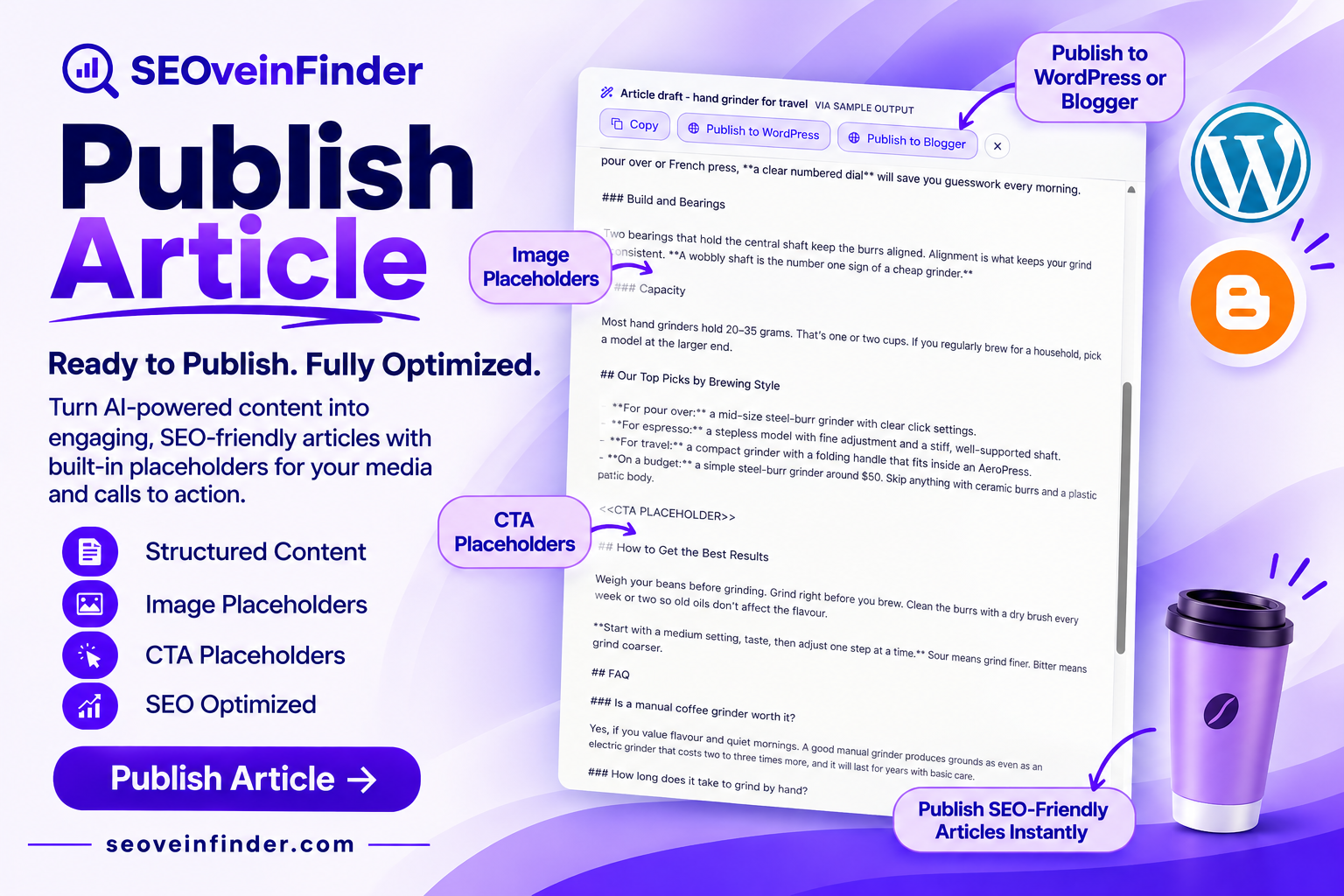
Build Landing Pages with Lovable
Not every keyword wants a full article. When a search is better served by a single page, the Build Landing Page Prompt action writes a complete prompt for a one-page site, with the brand, niche, main promise and call-to-action destination filled in around that keyword. You paste it into Lovable and run the build there.
See how it works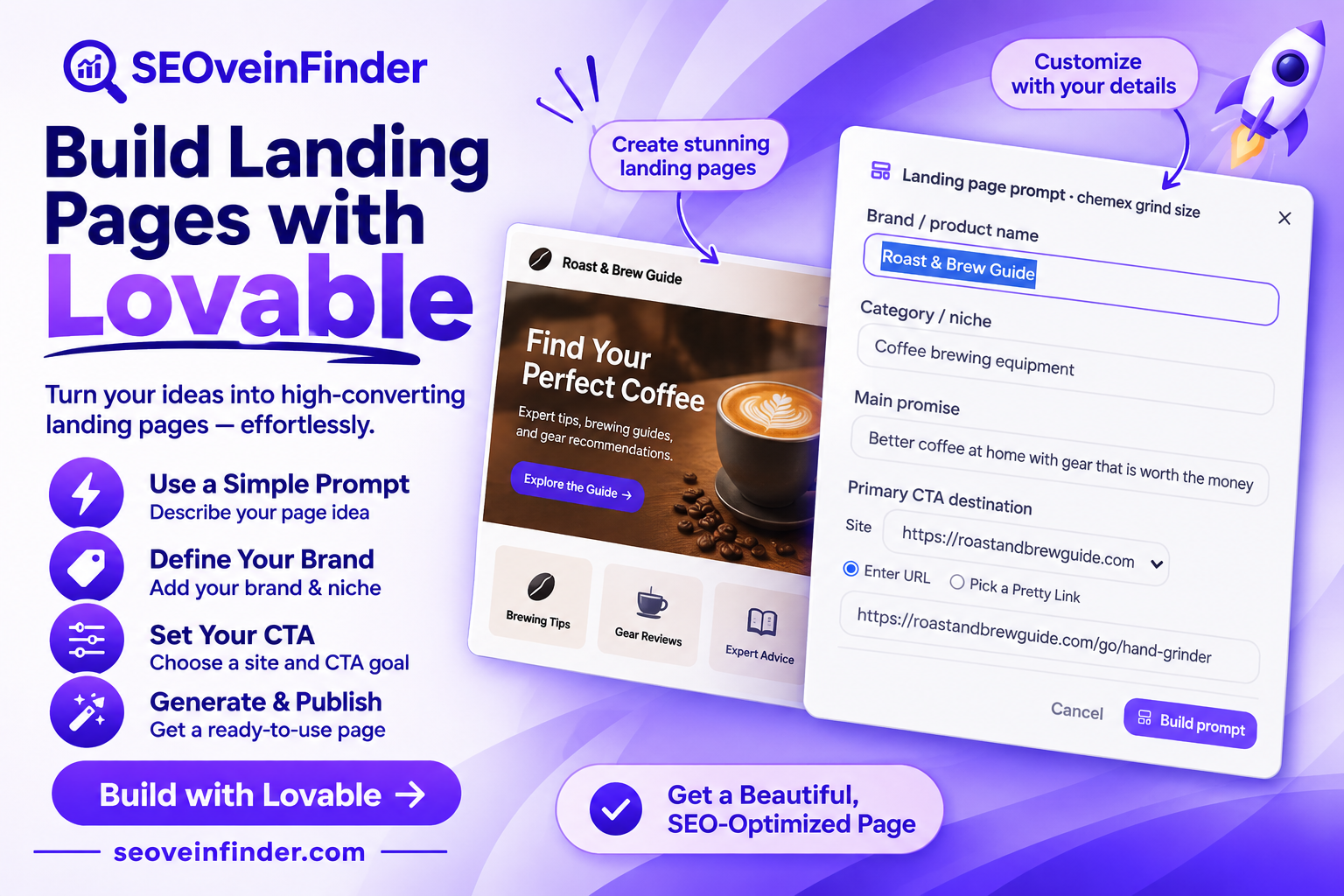
Video Script Creation
Some keywords are better as a video. Create Video writes a complete video script for the keyword, with title options, a thumbnail concept, a YouTube description, and a hook, intro and main sections. Add special instructions, pick your site, and choose pages from it to suggest, using the same search context and audience pain points the article prompt builds on.
See how it works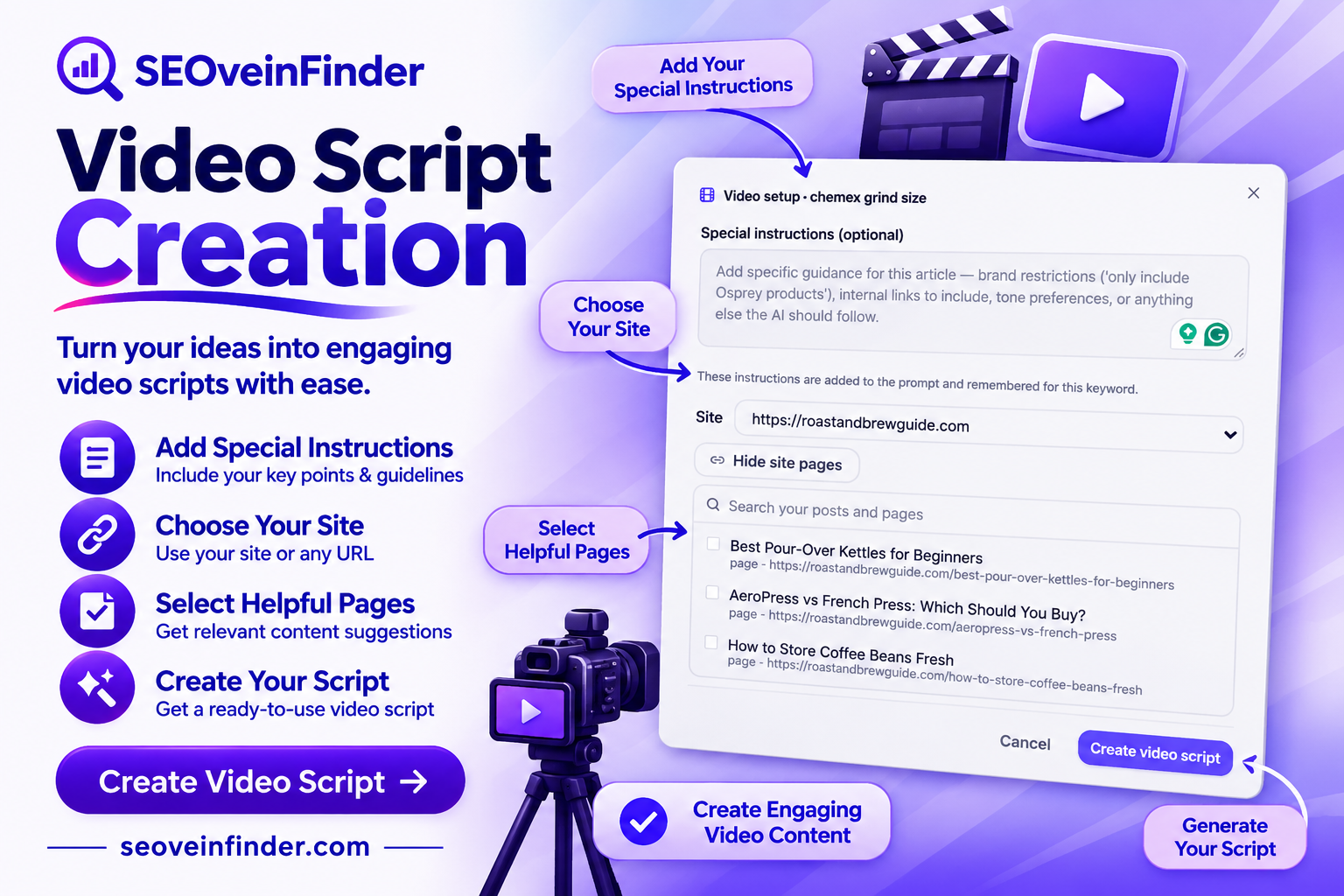
How we compare
Full SEO suites like Ahrefs bundle rank tracking, site audits and backlink indexes, and price accordingly. SEO Vein Finder does one job: it finds keywords where the pages actually ranking in the top 10 have few referring domains, then helps you turn them into published content. See the full comparison
See it in action
A walkthrough of setup and a first keyword search.
Explore the demo — no account needed
Plans start at $19/month. Pay only for fresh data; cached results are free.
Create accountFrequently asked questions
How does SEO Vein Finder score keyword competition?
It checks the pages actually ranking in the top 10 for a keyword and counts the referring domains pointing at each one. Keywords where even one top-10 page has few referring domains score as easier. The Opportunity score combines that ease (60%) with search volume (40%), so there is no black-box authority metric.
What is the difference between cached results and live checks?
Results that were already looked up recently are served from cache and are free. A live check fetches fresh search data and uses credits from your monthly plan allowance.
Which plans include WordPress and Blogger publishing?
Every paid plan, starting with Starter, can generate articles and publish them to WordPress or Blogger. Manual AI Visibility checks are also included from Starter.
Which plans include AI Visibility auto-tracking?
Automatic AI Visibility tracking, which rechecks whether ChatGPT, Claude, Gemini and Perplexity cite your site over time, starts on the Pro plan.
Do I need a credit card to try the demo?
No. The demo runs on sample data and needs no account and no credit card.

Built by Gerry Abell
Gerry is an affiliate marketer and content creator. He built SEO Vein Finder to find keyword opportunities for his own sites, then turned it into a tool anyone can use.
Ready to start prospecting?
Try the demo without an account, or sign up and run your first real search.